The photo area is printed directly onto the licence core. That removes the cutting and pasting step — and with it the misalignment and peeling that manual handling tends to produce.
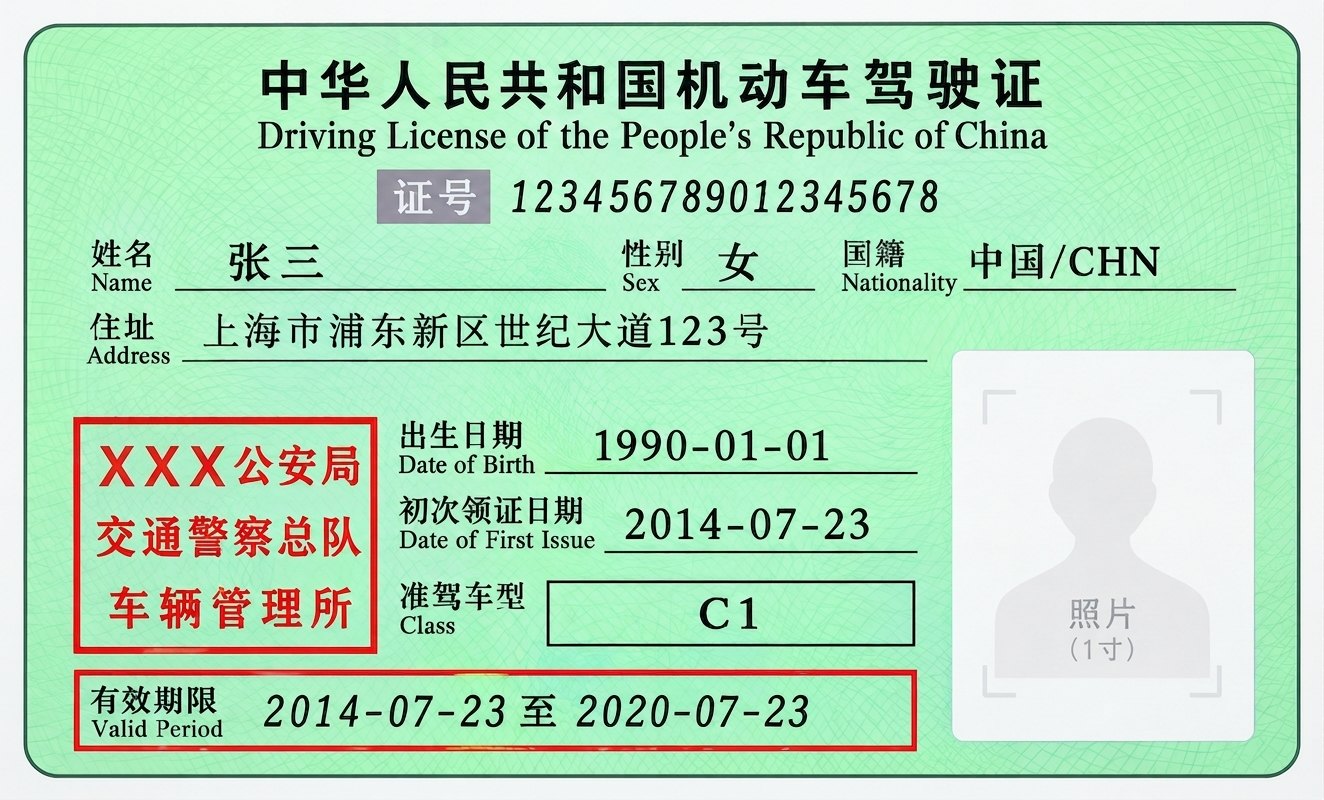 Rendering
01
The photo area is left empty — previously a photo had to be trimmed and pasted on by hand.
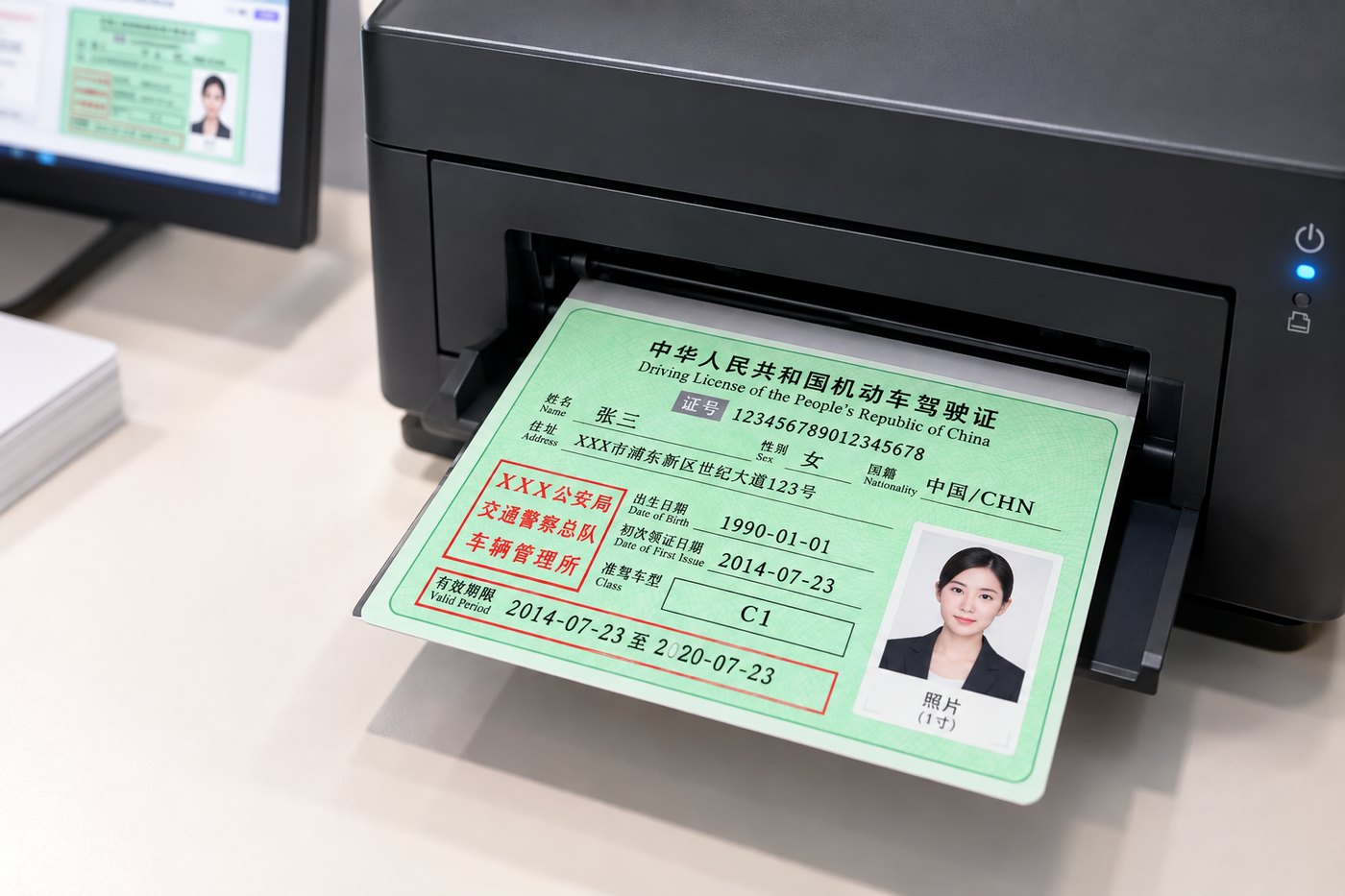 Rendering
02
The processed photo is printed straight into the photo area — no trimming, no pasting.
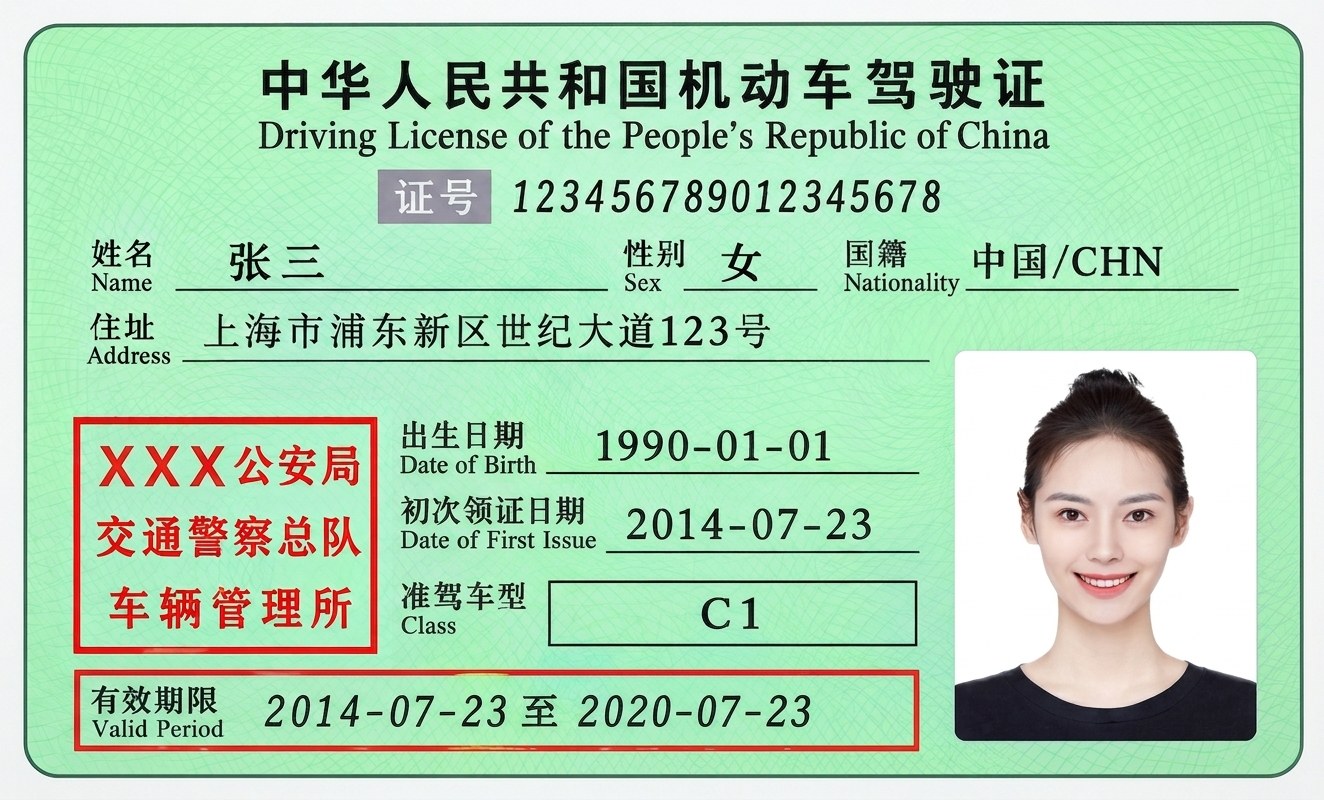 Rendering
03
Photo and licence core are formed together, so nothing can shift, lift or peel off.
System features
Photo specifications are executed strictly against the current standards of the competent authorities.
Non-compliant photos are detected and flagged automatically, so applications don't come back for rework.
Photos are processed on the spot, with batch processing supported, so the counter keeps moving.
Dye-sublimation printing: sharp, colour-accurate and resistant to fading.
Photo specification
Specifications above follow the standards currently in force.
Workflow
01
A professional camera adjusts lighting automatically while face detection guides the subject's pose in real time.
02
Facial features are recognised; skin tone, background and framing are corrected automatically.
03
Dye-sublimation output supporting multiple formats and direct printing onto the licence core.
Where it runs
Available as staffed-counter or self-service deployments, with terminal counts configured to each hall's workload.

Once you add us, one of our consultants will get back to you shortly.
 SYNTRON SHANGHAI